TOOLS WORTH UNDERSTANDING
PDNob: turn a Japanese scan into text you have actually checked
A careful OCR workflow for Japanese study material that keeps the scan, verifies characters and separates extraction from translation.
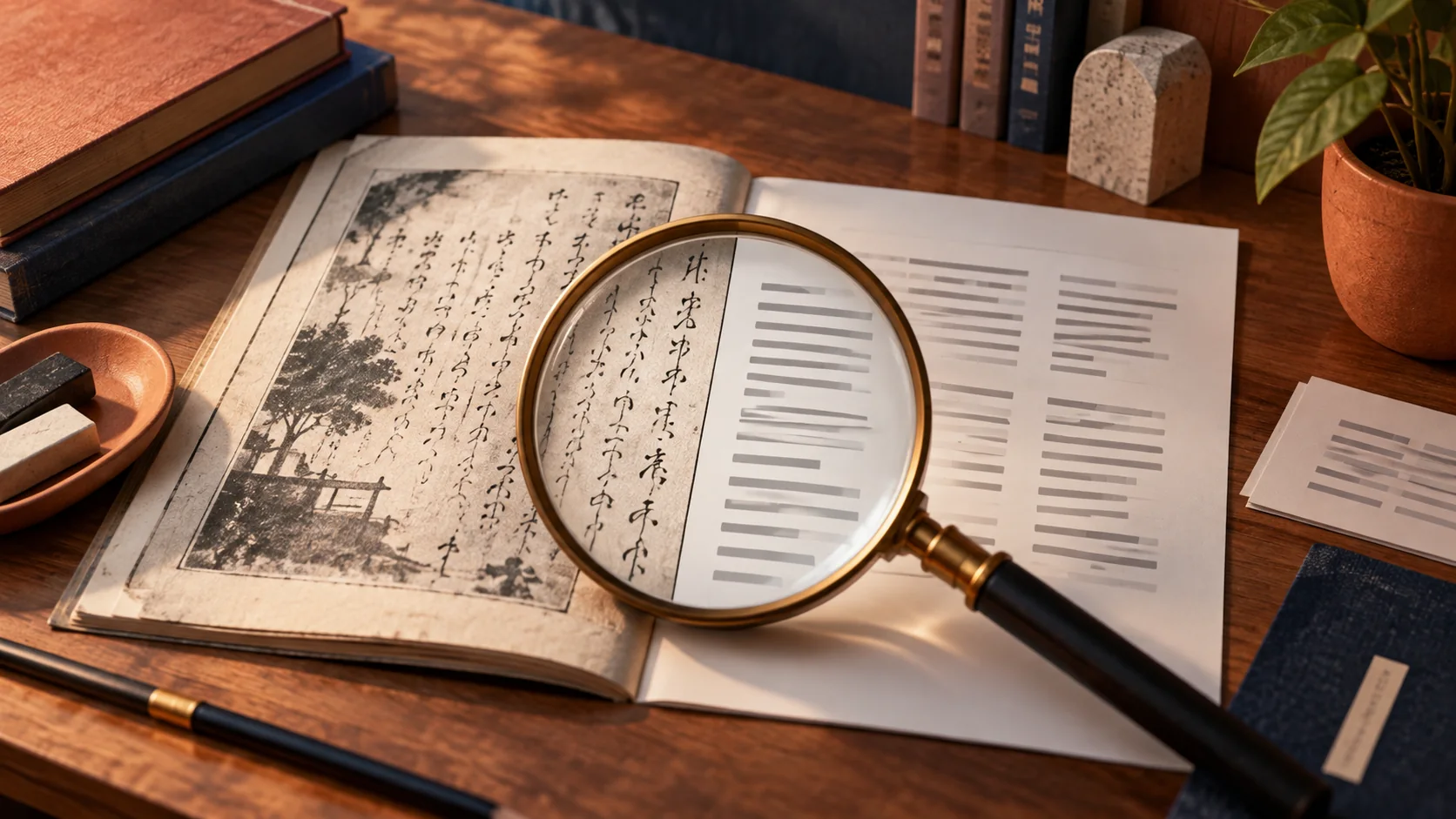
Searchable does not mean correct
This researched assessment looks at PDNob as a document tool, not a tested Japanese OCR benchmark. The official product site describes PDF editing and OCR, while its Japanese OCR page specifically discusses Japanese extraction. That is relevant if you study from a scan you are entitled to use. But turning a page into selectable text is only the first step. A wrong kanji or a lost negative can survive extraction and then become a very convincing mistake in an AI summary.
Keep the scan as the authority
Work on a copy and preserve the original image or PDF unchanged. Choose a short passage with a known source and clear permission for your intended use. Improve rotation and legibility before extraction, then select the appropriate recognition language where the tool provides that control. Treat the online OCR service and desktop editor as potentially different products with different processing and plan conditions. A feature shown on a free web page is not proof that the catalog’s desktop license has identical limits, privacy behavior or Japanese layout support.
画像を確認の基準として残す
元の画像やPDFを変更せず、コピーで作業します。利用できる短い文章を選び、向きや読みやすさを整えます。ウェブのOCRとデスクトップ製品は処理や契約が違う可能性があるので、片方の説明をもう片方の保証にしないでください。
Review in two passes
First compare structure: reading order, paragraphs, headings and whether furigana has accidentally entered the main text. Then compare characters and meaning: names, dates, punctuation, small kana and negative endings deserve deliberate attention. Keep uncertain readings marked rather than silently guessing. Do not add furigana to unverified extracted text and call the result a finished lesson. A pronunciation layer can make the wrong character feel more authoritative. For practice, transcribe one sentence yourself before comparing it with OCR; the disagreement becomes a useful reading exercise.
二段階で見直す
最初に段落や読む順番、振り仮名の混入を見ます。次に名前、日付、小さい仮名、否定表現を確認します。不明な部分は印を残し、推測で埋めません。未確認の文字に振り仮名を付けると誤りを強めることがあるため、先に原文と照合します。
Only then ask for help understanding it
Once the transcription is checked, use a dictionary or an assistant to explain a small passage. Ask for uncertainty to be stated and retain the source beside the explanation. An AI summary should not replace the original when a technical instruction depends on exact wording. For private documents, confirm where OCR and AI processing occur before uploading anything; installing a desktop app does not prove that all features run locally. Test with a harmless sample first and inspect the actual feature settings and current policy.
照合してから意味を調べる
文字を確認した後で辞書やAIに短い部分の説明を求めます。曖昧な点を明示させ、原文を横に残しましょう。秘密の文書を扱う前に処理場所を確認してください。デスクトップアプリでも全機能が端末内で動くとは限りません。
A one-page OCR acceptance card
- Original image remains unchanged and accessible.
- Reading order, characters and uncertain passages have been checked.
- Corrected text exports cleanly, with source attribution preserved and any AI explanation kept separate from the transcription.
The October 14, 2026 listing describes a finite lifetime allocation of 6,000 AI credits, alongside the software license, and a thirty-day redemption window. The license duration is therefore not a promise of unlimited AI processing. Confirm how the credits are consumed for the features you need.
一ページのOCR確認
- 原画像を変更せず残す。
- 順序、文字、不明点を確認する。
- 訂正文と出典を保存し、AIの説明と分ける。
2026年10月14日の掲載条件では、AIは合計六千クレジットで、三十日以内の引き換えが必要です。ライセンス期間とAIの無制限利用は別なので、消費方法を確認します。
Buy for a repeated document problem
Skip the editor if you only need occasional transcription of a short passage; typing it manually can be free and educational. It is also a poor fit if your required language layout or processing boundary remains unverified. For the Pro listing, confirm supported platforms, OCR limits and AI credit conditions separately from the duration of the software license. My acceptance test is one representative page extracted, corrected and exported with the original preserved. If that workflow is comfortable, you have a concrete reason to consider the tool instead of buying a vague promise of effortless reading.
Check the PDNob listing and current terms. Availability, price, redemption rules and exact plan inclusions need checking before purchase.
繰り返す作業に合うかで選ぶ
短い文章を時々読むだけなら、手入力は無料の学習にもなります。必要な組み方や処理場所が未確認なら購入を急ぎません。対応OS、OCRの制限、AI利用量を確認し、一ページを抽出、訂正、保存できるかで判断します。
商品ページと現在の条件を確認する。購入前に、販売状況、価格、利用開始の条件、対象機能を確認してください。
Sources & buying notes
Sources checked October 14, 2026. This assessment uses published documentation, not hands-on testing. Promotions, included features and redemption terms can change; check the exact offer before paying.
出典と購入前の確認
資料の確認日は2026年10月14日。公開資料に基づく評価で、実機のテストではない。販売プランの機能や引き換え条件は変わるため、購入前に最新の条件を確認しよう。紹介リンクから購入すると、追加費用なしでManabiKoboに報酬が入る場合がある。
Put this idea into practice
Keep reading
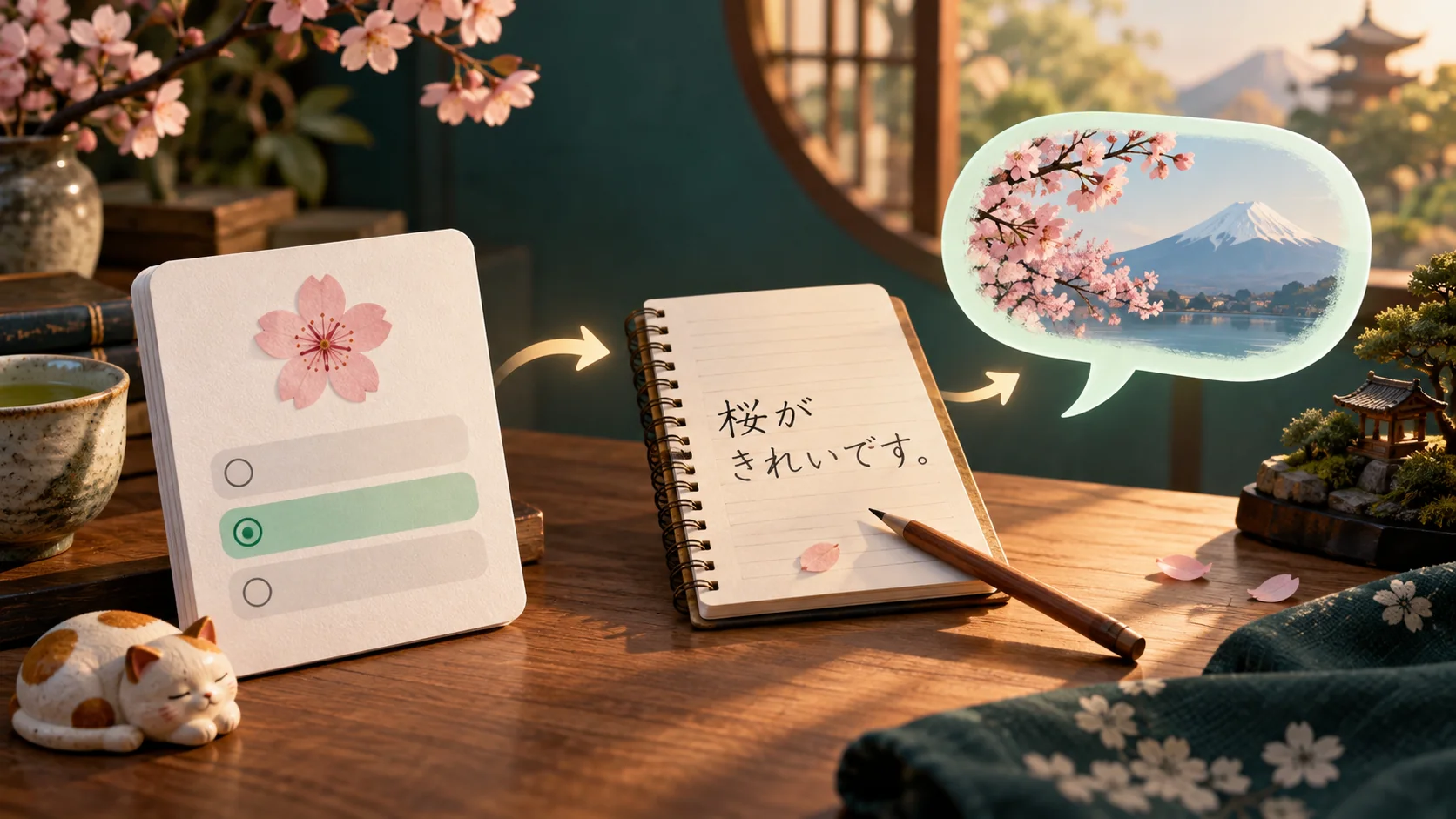
Qlango: turn a correct answer into a sentence you can use
Japanese is in Qlango’s catalog. Here is how to assess whether its practice fills a real gap in your study routine.
AOMEI Backupper: the useful demo is a restore
A Windows recovery rehearsal for people who experiment with generated code, tools and workstation changes.

Japanese phrases for instructing an AI agent (and meaning it)
An AI agent can now act on your behalf in Japanese. Here is the language to give it one clear request, ask it to confirm before acting, set a limit, and keep a way back.