TOOLS WORTH UNDERSTANDING
AOMEI Backupper: the useful demo is a restore
A Windows recovery rehearsal for people who experiment with generated code, tools and workstation changes.
A green backup badge is the beginning
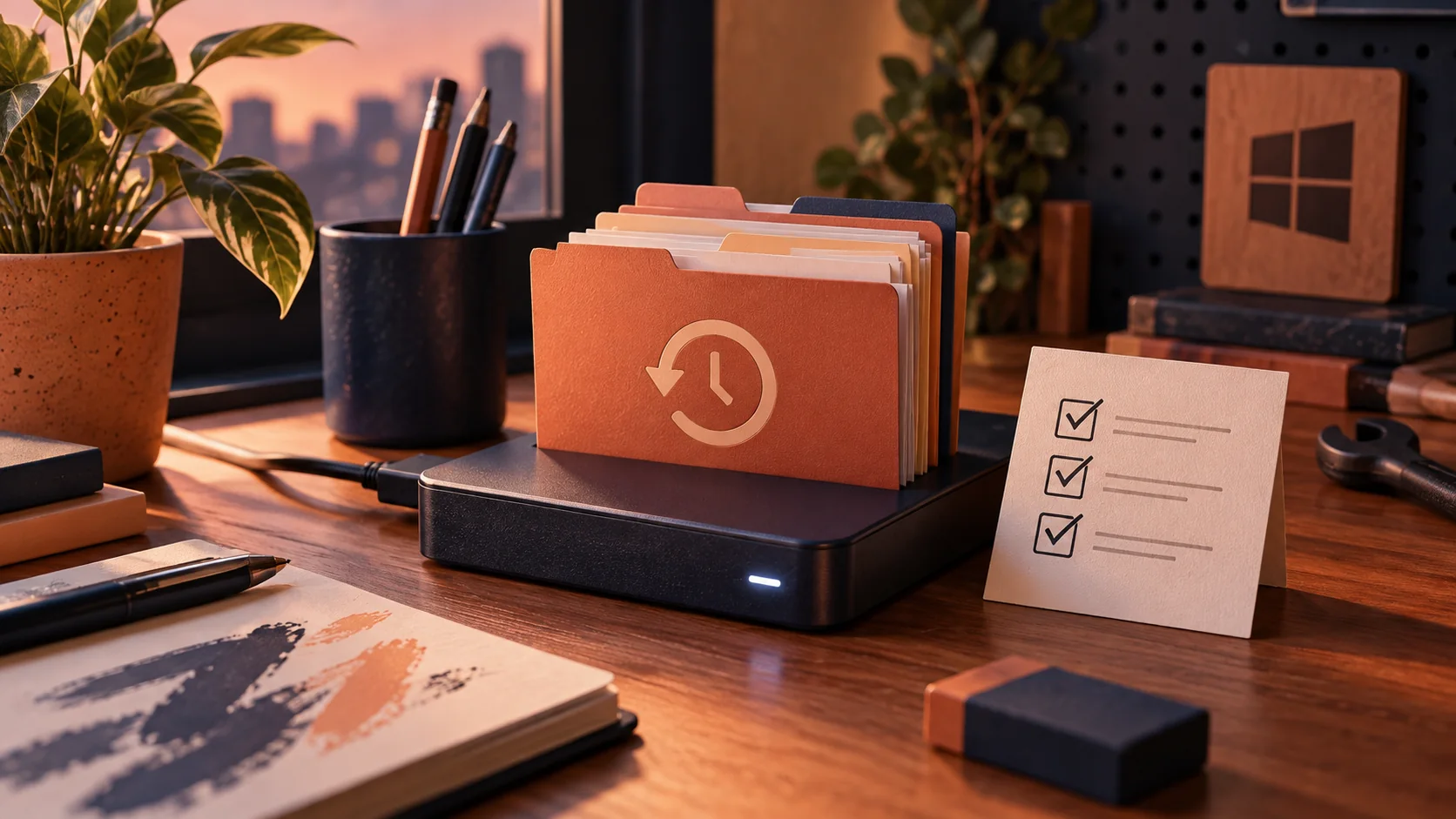
This researched assessment is about a recovery workflow, not a benchmark of AOMEI Backupper. If you regularly try generated scripts or new development tools, the important question is what happens after a bad change. The official Professional page describes Windows file, system and disk backup plus recovery features. Those capabilities can be useful, but a completed job is only one piece of evidence. The real demonstration is restoring something you deliberately changed and checking that it opens correctly afterward.
完了表示から先を確かめる
これは性能測定ではなく、復旧方法を調べた記事です。生成スクリプトや新しい開発ツールを試すなら、失敗後に戻れるかが重要です。公式説明にはWindowsのバックアップと復元があります。完了表示だけでなく、変更したファイルを実際に戻して開きます。
Choose what failure you are covering
File recovery, a broken operating system and a failed drive are different problems. Start by listing the work you cannot casually recreate: source changes not yet pushed, project configuration, local datasets you are allowed to retain and licensing information stored appropriately. A Git repository is useful but does not automatically capture everything on a workstation. Conversely, a disk image does not replace a reviewable source history. Decide which recovery method covers each item and keep at least one copy outside the machine you are experimenting on.
備える失敗を決める
ファイルの誤編集、起動不能、ディスク故障は別の問題です。未送信のコード、設定、保存可能な資料などを整理します。Gitだけで端末全体を守れるわけではなく、ディスクの複製だけでコード履歴を残せるわけでもありません。実験する端末の外にもコピーを置きます。
Restore a harmless sample first
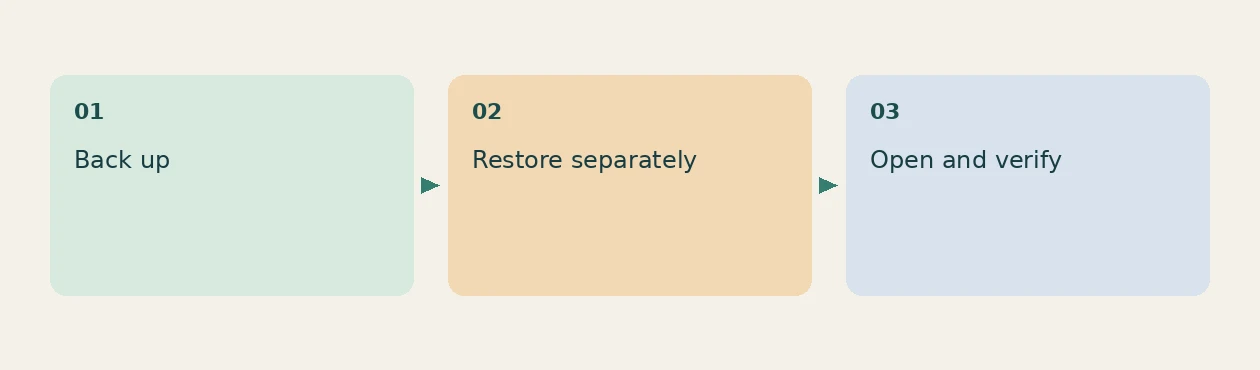
Create a disposable folder with a text file, an image and a small project archive. Back it up, change the text and restore to a separate destination rather than overwriting the only working copy. Compare file contents, names and permissions that matter to your workflow. Open the archive and inspect its contents too. Write down the exact steps and where the backup lives. This is a proposed acceptance test you can repeat after updates; no recovery success is claimed here for your particular hardware or installation.
安全な見本で復元する
不要な見本のフォルダーで文章、画像、圧縮ファイルを保存します。コピー後に文章を変え、別の場所へ復元してください。内容と名前、必要な権限、圧縮ファイルの中身を確かめます。これは提案する試験であり、読者の機器で成功を確認したという意味ではありません。
Prepare for Windows not starting
The vendor documents bootable recovery media, which addresses a different situation from opening the backup application inside a healthy Windows session. Consult the official support resources for your current release and hardware. Check that recovery media starts on a spare or safely testable environment, and that it can see the intended storage, before an emergency. Do not rehearse destructive disk restoration over your only live system. Encryption keys and recovery instructions must be available through an appropriate separate recovery arrangement.
起動しない場合も考える
起動用の復旧メディアは、正常なWindows内での復元とは別の備えです。公式サポートで版と機器に合う手順を読み、安全な環境で起動と保存先の認識を確認します。唯一の作業用ディスクに破壊的な復元を試さないでください。
A restore receipt worth keeping
- Sample restored to a different folder, with the original preserved.
- Files opened and compared, including the project archive.
- Recovery instructions and storage location documented so the exercise can be repeated without guessing.
The reseller page checked October 14, 2026 lists two devices and redemption within thirty days. That device count does not override the vendor’s edition and permitted-use distinctions. Confirm both with the seller if your intended use is business rather than a personal Windows workstation.
残しておきたい復元記録
- 原本を残して別の場所へ復元する。
- 圧縮ファイルを含めて開き比較する。
- 手順と保存先を次回も使えるように記録する。
2026年10月14日の販売条件は二台と三十日以内の引き換えです。台数の条件だけで業務利用も許可されるとは限らないため、用途と版も確認します。
Check the license as carefully as the files
The official comparison places Professional under home use and distinguishes business editions. Developers doing company work should verify the appropriate license instead of assuming the word Professional settles it. Skip this offer if you need another operating system or already have a tested recovery setup that covers the same failure. A manual copy to separate storage plus a documented restore exercise is a useful free starting point for ordinary files, though it is not a system image. Buy for a recovery process you can explain and repeat, not for a comforting dashboard.
Check the AOMEI Backupper listing and current terms. Availability, price, redemption rules and exact plan inclusions need checking before purchase.
用途に合う契約も確認する
公式比較では家庭向けと業務向けの版が分かれています。会社の仕事に使う場合は名称だけで判断せず契約を確認します。別のOSが必要な人や復旧手順が十分な人は見送れます。普通のファイルなら、別媒体への手動コピーと復元練習から始められます。
商品ページと現在の条件を確認する。購入前に、販売状況、価格、利用開始の条件、対象機能を確認してください。
Sources & buying notes
Sources checked October 14, 2026. This assessment uses published documentation, not hands-on testing. Promotions, included features and redemption terms can change; check the exact offer before paying.
出典と購入前の確認
資料の確認日は2026年10月14日。公開資料に基づく評価で、実機のテストではない。販売プランの機能や引き換え条件は変わるため、購入前に最新の条件を確認しよう。紹介リンクから購入すると、追加費用なしでManabiKoboに報酬が入る場合がある。
Put this idea into practice
Keep reading
Qlango: turn a correct answer into a sentence you can use
Japanese is in Qlango’s catalog. Here is how to assess whether its practice fills a real gap in your study routine.
A Python bootcamp should leave you with a tool someone else can run
Assessing a software engineering bundle through a small command-line tool, reproducible setup and restrained concurrency.

Koofr for a study archive: test the restore before you fill the terabyte
A practical assessment of cloud storage for notes, recordings and project exports, with a small restore drill.