
DEVELOPER NOTES
September API key controls: rotate access without surprising your workers
A staged rollout for key expiration and creation policies, including the existing keys those policies do not revoke.
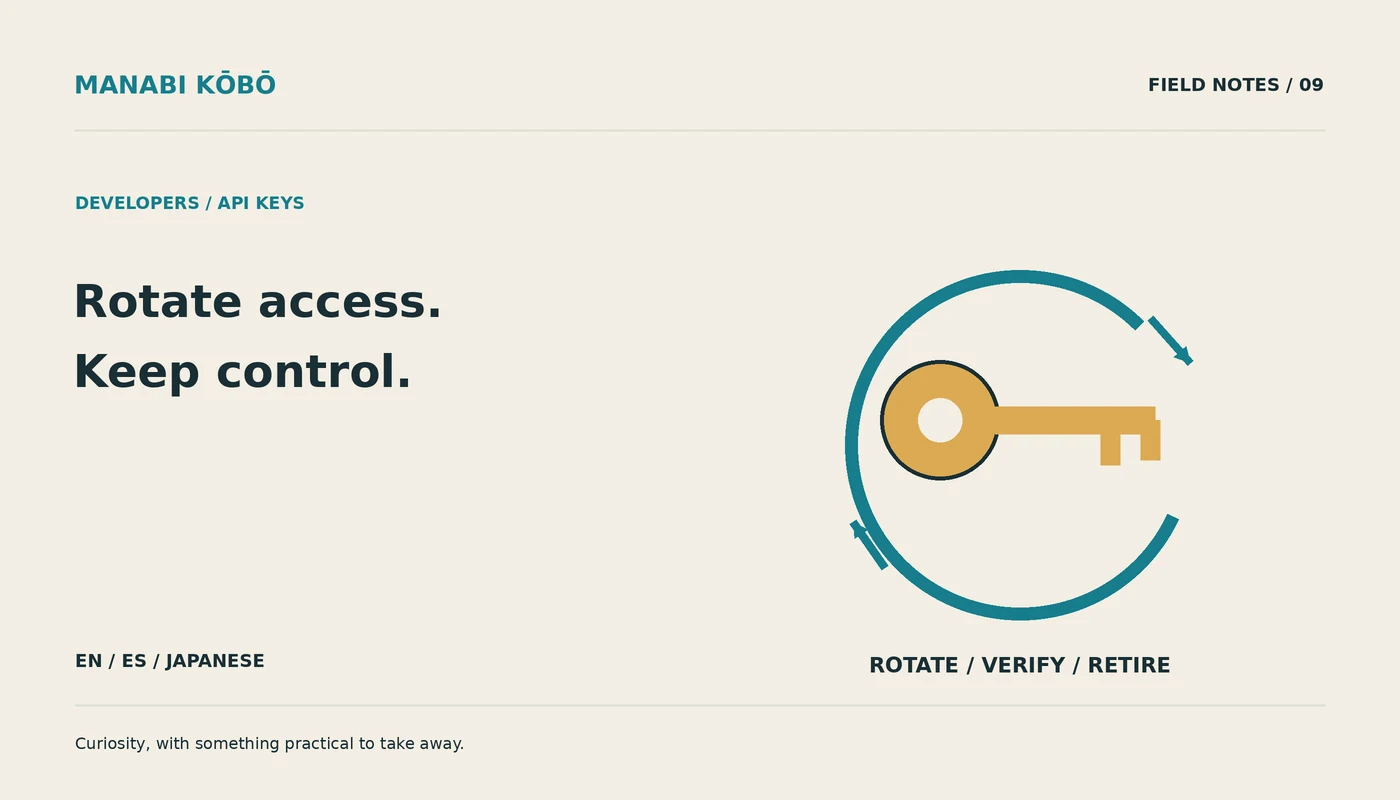
Documentation snapshot: October 14, 2026. This guide discusses the dated release described below; check the linked official documentation for current API behavior and account availability before implementation.
A key that works forever is convenient right up until nobody remembers what still uses it. September 2026 brought useful OpenAI API controls: project-key expiration on September 10 and key-creation governance on September 15. The release record and production guidance were checked October 14. Here is how I would turn the settings into an operational improvement.
Inventory references, not secret values
List services, owners, environments, credential references, and rotation paths. Do not copy key contents into a spreadsheet. Distinguish developer experiments from unattended production workers. If nobody owns a credential, resolve that before setting a short expiry and hoping alerts catch the fallout.
Creation restrictions can allow service-account keys, user-owned project keys, or no new keys. Organization restrictions take precedence over project settings. Crucially, these creation rules do not revoke existing keys. Treat them as one control in the process, not as proof that old access disappeared.
Test rotation in a disposable environment
Use an authorized test project and the normal secret-management path. Create a replacement with the intended permissions and lifetime, update the service's secret reference, and exercise a harmless request. Confirm the worker actually loaded the new reference rather than continuing with a cached old value. Keep credentials out of logs and command tracing.
Then revoke or retire the previous credential according to your policy and repeat the check. Test an expired or rejected credential too: the application should report an authentication problem clearly, avoid infinite retries, and notify the responsible operator. A retry storm cannot repair expired authorization.
Choose expiry from the recovery process
Shorter lifetimes reduce the period in which a forgotten credential remains useful, but they also require reliable renewal. Pick a period your automation and staffing can support. Alert before expiration with enough time to act, and include the owner and secret reference rather than the secret itself.
For production, stage the policy in one service, observe a full renewal cycle, and then broaden it. Document what happens if renewal fails during a weekend or an incident. Have a reviewed recovery route that does not involve pasting a personal key into a shared terminal.
These controls are useful because they make access lifecycle more explicit. They do not replace least privilege, spending limits, application authorization, or incident response. My acceptance test is practical: the intended worker can continue, the retired key cannot, and the next operator can understand the evidence without ever seeing the credential.
9月のAPI鍵管理機能を安全に運用へ入れる
この記事は2026年10月14日に確認した資料に基づく。以下で紹介するのは、その日付の公開情報だ。実装前に、リンク先の公式資料で現在のAPI仕様とアカウントの利用条件を確認してほしい。
無期限の鍵は便利だが、誰が使っているか忘れやすい。OpenAIは2026年9月10日にプロジェクト鍵の期限、15日に作成制御を追加した。更新履歴と運用ガイドは10月14日確認だ。
値ではなく参照を管理する
サービス、責任者、環境、秘密管理先の参照、更新方法を一覧にする。鍵自体を表に貼らない。個人実験と無人の本番処理を分ける。作成ルールではサービスアカウント、ユーザー鍵、作成禁止を選べ、組織設定が優先される。ただし既存の鍵を失効させる規則ではない。
更新を一周試す
許可されたテスト環境で必要な権限と期限の代替鍵を作り、通常の秘密管理経路で参照を更新する。無害な要求で、新しい鍵が実際に読み込まれたか確認する。ログやシェルの追跡に値を出さない。古い鍵を方針に従って失効し、もう一度確認する。
期限切れも試す。明確な認証エラー、有限の再試行、担当者への通知が必要だ。繰り返すだけでは期限切れは直らない。自動更新と人の対応力に合う期間を決め、事前通知には参照と責任者だけを書く。
一つのサービスで更新周期を確認してから拡大する。週末に失敗した場合も個人鍵を共有端末に貼らず回復できる手順を残す。最小権限や予算管理は別途必要だ。新しい処理が動き、古い鍵が使えず、秘密を見ずに証拠を読めればよい。
Put this idea into practice
Keep reading
GPT-6.1 Sol migration: check the request before you judge the model
A September 2026 model change becomes a small, measurable migration instead of a blind string replacement.
Decisions API, October 2026 beta: build a classifier that knows when to hand off
A practical design for typed routing, abstention, error handling, and evaluation after the October 2026 beta.
A Python bootcamp should leave you with a tool someone else can run
Assessing a software engineering bundle through a small command-line tool, reproducible setup and restrained concurrency.