
TOOLS WORTH UNDERSTANDING
EaseUS Data Recovery Wizard: the first move is to stop writing
A researched recovery-tool assessment for lost notes and project files, with clear limits and a separate destination drive.
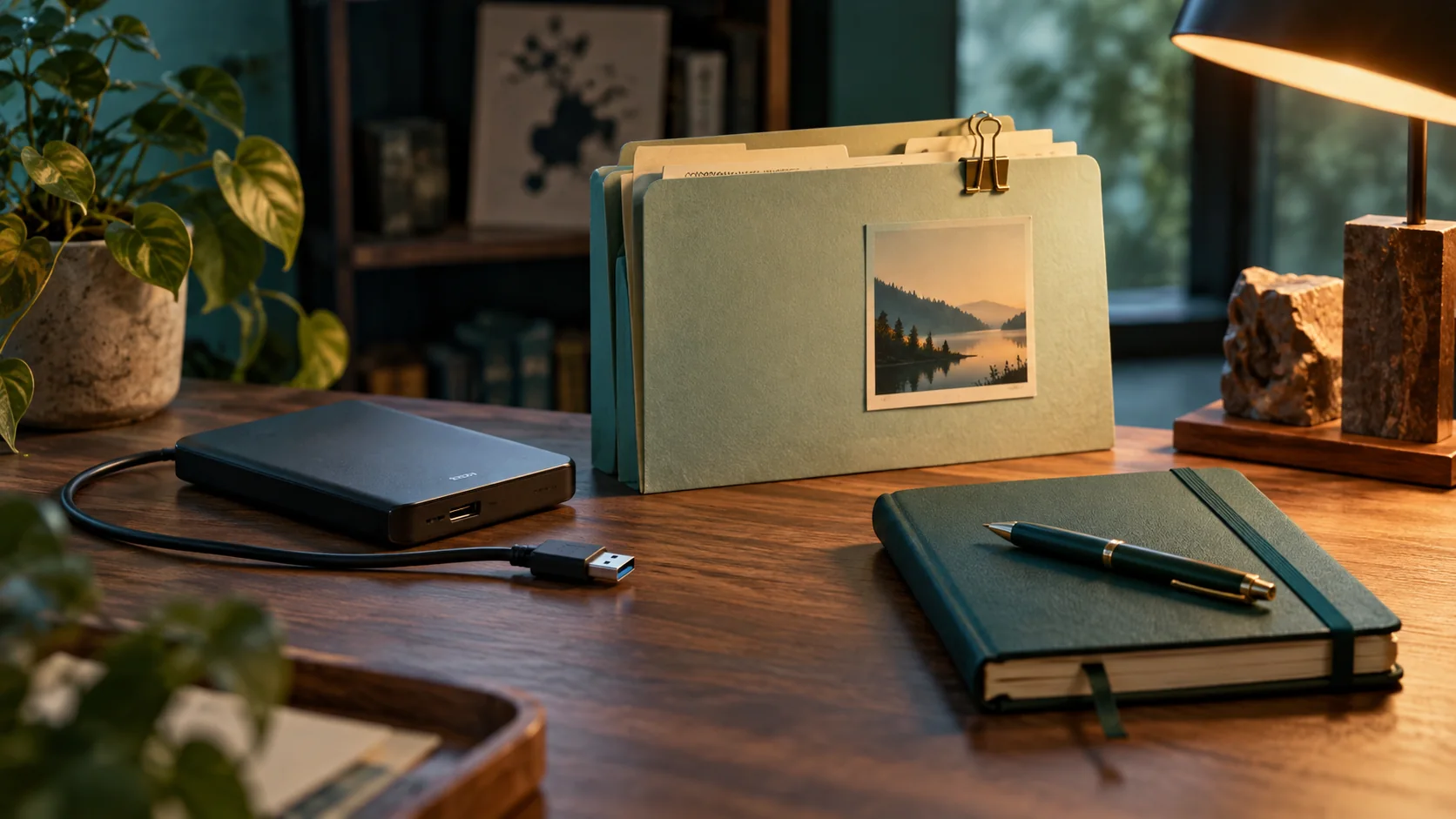
Do less before doing more
Losing a folder of study notes or project exports creates an urge to try everything immediately. That urge can make recovery harder. EaseUS Data Recovery Wizard is a candidate for some logical data-loss situations, but this is a researched assessment, not a recovery success report. The official recovery guide warns against saving recovered files back to the source. I would begin by stopping ordinary writes to the affected device and checking existing backups. Installing tools onto that same device or generating new files there can destroy data you still hope to recover.
慌てて操作を増やさない
学習ノートやプロジェクトを失うと、すぐにいろいろ試したくなる。しかし操作を増やすと復旧が難しくなることもある。EaseUSは一部の論理的なデータ消失に使う候補だが、今回は復旧成功の体験談ではない。公式は復元先を元の場所にしないよう説明している。まず通常の書き込みを止め、既存のバックアップを確認したい。同じ装置へのインストールも避ける。
Choose the recovery path calmly
Separate an accidental deletion on an otherwise healthy device from signs of hardware trouble. A drive that clicks, disconnects repeatedly or contains irreplaceable material deserves a professional recovery discussion before repeated scans. Software cannot promise to repair physical damage. For a straightforward logical-loss case, identify the source and a different healthy destination with enough space. Write those names down before clicking anything. The proposed preparation is deliberately boring: verify which disk is which, prevent other applications from writing and preserve the original as far as possible. Guessing at drive letters is a poor way to start a rescue.
故障の種類を分ける
正常な装置での誤削除と、物理故障の兆候を分けよう。異音、繰り返す切断、取り返しのつかない重要資料があるなら、何度も走査する前に専門家へ相談したい。ソフトで物理破損を直せるとは限らない。論理的な消失なら、元の装置と十分な容量の別の保存先を明確にする。名前を書き、ほかのアプリの書き込みを止める。装置を推測で選ばない。
Preview is only the first check
The vendor describes scanning, filtering, previewing and recovery. Finding a filename does not mean the file is intact. After saving to a separate destination, open the recovered copy in its normal application and inspect meaningful content, not just its size. For a project, check whether configuration, source files and referenced assets agree. For a recording, play the beginning, middle and end. Keep a list of what is complete, partial or missing. These are proposed validation steps, not claims about my results with EaseUS. Recovery is finished only when the material you need is actually usable.
見つかった後も内容を確認する
ファイル名が見つかっても中身が完全とは限らない。別の保存先へ戻した後、普段のアプリで開き、容量だけでなく内容を確認する。プロジェクトなら設定、ソース、参照する素材がそろうかを見る。録音なら最初、途中、最後を聞こう。完全、一部欠損、見つからない、を記録する。これは提案する検証で実測結果ではない。必要な資料が使える状態になって初めて復旧と言える。
Know the limits before buying
EaseUS's SSD recovery discussion notes the complication of TRIM. Do not read a broad recovery claim as a guarantee that deleted SSD data remains recoverable. Overwriting, encryption, device behaviour and the specific failure all matter. A free first alternative is a known-good backup, your application's history or an existing version-control copy; inspect copies without overwriting the affected source. Skip a software purchase if a backup already contains what you need, or if the failure clearly calls for professional handling. A discount cannot change whether the underlying data still exists.
購入前に限界を知る
SSDの説明ではTRIMの影響が挙げられている。一般的な宣伝から、消したSSDデータを必ず戻せるとは考えない。上書き、暗号化、装置の動作、故障の種類が関係する。まず正常なバックアップやアプリの履歴、版管理を確認しよう。十分なコピーがある場合や専門対応が必要な場合は、ソフト購入を見送れる。値引きで失われたデータが戻るわけではない。
復旧後は、何を失い、どのコピーで戻せたかを短く記録しよう。原因が不明なら推測を事実として書かない。次の対策は、保存先を増やすだけでなく、必要な時に開けるかを確認することだ。新しいバックアップも最初に復元を試す。失った経験を、使える保存手順へ変えておきたい。確認した結果は、次の作業でも読める短い記録にして残しておこう。
Make the next incident less dramatic
Once the incident is resolved, test a backup-and-restore routine using disposable files. Keep that drill separate from the damaged source. The specific listing checked on October 14, 2026 described a Windows license for one device; verify current version, supported systems, redemption and update terms. Inspect the EaseUS Data Recovery Wizard offer; this is an affiliate link. I would treat it as a possible recovery tool in a wider plan, not as a reason to skip backups. The strongest improvement is avoiding the next moment when an uncertain scan is your only remaining copy.
次の消失に備える
問題が落ち着いたら、不要なファイルで保存と復元の練習をしよう。故障した原本では試さない。確認した販売プランはWindows一台向けで、版や更新条件は購入時に再確認する。紹介には報酬の関係がある。復旧ソフトは全体の備えの一部で、バックアップを省く理由ではない。不確かな走査だけに頼る状況を、次は作らないことが一番の改善になる。
Sources & buying notes
Sources checked October 14, 2026. This assessment uses published documentation, not hands-on testing. Promotions, included features and redemption terms can change; check the exact offer before paying.
出典と購入前の確認
資料の確認日は2026年10月14日。公開資料に基づく評価で、実機のテストではない。販売プランの機能や引き換え条件は変わるため、購入前に最新の条件を確認しよう。紹介リンクから購入すると、追加費用なしでManabiKoboに報酬が入る場合がある。
Put this idea into practice
Keep reading

Koofr for a study archive: test the restore before you fill the terabyte
A practical assessment of cloud storage for notes, recordings and project exports, with a small restore drill.

ChatPlayground AI: compare answers without confusing agreement with evidence
A model-comparison workspace can save copying, but a useful review still needs known answers and a clear privacy boundary.
uTalk for Japanese: a small speaking habit that you can actually check
A researched look at uTalk for short Japanese listening and recording sessions, with a practical way to measure progress.